

Outlook Bouncing Legitimate Emails? What UK Marketers Should Check First
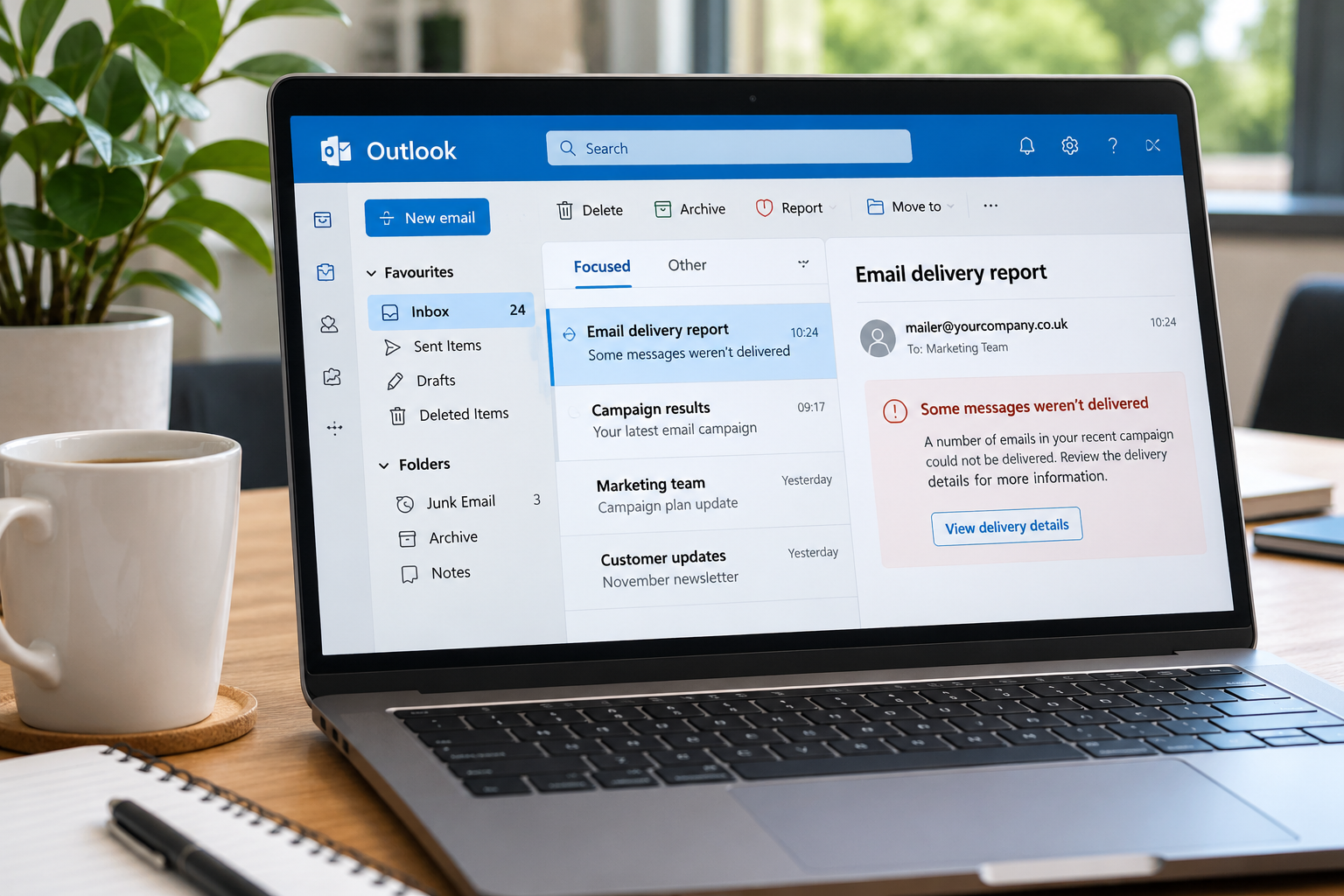
If your legitimate marketing emails have recently been bouncing from Outlook or Hotmail addresses, the problem might not be your contact list.
In November 2026, Microsoft experienced an issue that caused legitimate emails to be rejected by its Outlook.com email service, leaving businesses and email senders facing unexpected delivery failures.
Although Microsoft has since resolved the issue, it highlights an important challenge for UK marketing teams: knowing whether bounced emails are caused by authentication problems, email service providers or poor-quality contact data.
Before removing contacts from your database or resending a campaign, it's important to understand what's causing the problem.
Here's what UK marketers should check first.
What happened with Outlook's email delivery problems?
In early November 2026, businesses began reporting that legitimate emails sent to Outlook.com, Hotmail and Live.com addresses were being rejected.
Some senders received error messages referring to missing or failed SPF, DKIM and DMARC authentication records, even when their email settings appeared to be correctly configured.
Microsoft subsequently confirmed that an update to its spam-filtering rules had incorrectly blocked legitimate messages.
The company rolled back the update and confirmed that the issue had been resolved by 10 November 2026.
According to The Register's coverage of the Outlook email disruption, the incident affected legitimate email delivery and caused confusion for senders.
The incident is an important reminder that not every bounced email means the recipient's address is invalid or that the sender has configured something incorrectly.
When delivery problems occur, businesses need to identify the cause before making changes to their email database or sending settings.
What does this mean for UK email marketers?
For UK businesses sending newsletters, promotional campaigns or customer communications, unexpected email bounces can create several problems.
They can disrupt campaigns, affect reporting and make it difficult to understand whether the problem lies with the sending platform or the contact database.
There are two main types of email bounces to understand:
-
Hard bounces: Permanent delivery failures, often caused by invalid or non-existent email addresses. Permanent authentication or policy rejections may also be classified as hard bounces.
-
Soft bounces: Temporary delivery failures, which can occur because of full mailboxes, server problems or temporary sending restrictions.
However, bounce classifications alone don't always explain the underlying problem.
For example, if Outlook rejects a legitimate email because of an authentication issue, the recipient's email address may still be perfectly valid.
Removing that address from your database wouldn't resolve the original problem.
Equally, if your contact list contains outdated or incorrectly formatted addresses, these can create additional delivery failures that make diagnosing the issue more difficult.
That's why marketers should check both their email authentication and the quality of their contact data.
What are SPF, DKIM and DMARC?
Microsoft and other email providers use authentication checks to help protect users from spam, phishing and fraudulent messages.
Three important standards are:
-
SPF (Sender Policy Framework): Helps receiving mail servers check whether an email is being sent from a server authorised to send on behalf of a domain.
-
DKIM (DomainKeys Identified Mail): Uses a digital signature to help verify that an email is associated with the sending domain and hasn't been altered in transit.
-
DMARC (Domain-based Message Authentication, Reporting and Conformance): Builds on SPF and DKIM, using domain alignment and published policies to help protect against unauthorised use of a domain.
If these settings are missing or incorrectly configured, legitimate emails may be rejected.
However, as Microsoft's recent disruption demonstrated, problems can also occur at the receiving provider's end.
If you're experiencing unexpected bounces, start by reviewing the error messages returned by your email platform before changing any authentication settings.
What email validation can and cannot fix
Email validation plays an important role in maintaining a healthy contact database, but it serves a different purpose from email authentication.
An email validation service helps businesses identify addresses that may be invalid, incorrectly formatted or unsuitable for sending.
This can help marketers:
-
Identify invalid or incorrectly formatted email addresses.
-
Reduce avoidable hard bounces caused by poor-quality contact data.
-
Improve the accuracy of marketing databases.
-
Identify potentially problematic addresses before a campaign.
-
Make campaign delivery reports easier to interpret.
For businesses working with older contact lists or regularly collecting new leads, validation can be a useful part of campaign preparation.
However, email validation cannot repair SPF, DKIM or DMARC settings, override Microsoft's spam filtering or guarantee that emails reach the inbox.
These are separate issues requiring different solutions.
At Data Soap, our Email Validation service focuses on helping businesses improve the quality of their email contact data.
By checking your list before sending, you can reduce avoidable data-related delivery problems and make it easier to investigate any remaining technical issues.
Five things to check before your next email campaign
If you've noticed an increase in Outlook email bounces, work through these five checks before sending again.
1. Check your email bounce messages
Start by reviewing the error messages returned by your email marketing platform.
Look for SMTP response codes and explanations that indicate whether the problem relates to:
-
Email authentication failures.
-
Invalid or non-existent recipient addresses.
-
Temporary sending restrictions.
-
Sender reputation or security policies.
-
Problems with the receiving email provider.
Don't automatically assume that every bounced Outlook address is invalid.
Understanding the reason for rejection is the first step towards resolving the issue.
2. Review your SPF, DKIM and DMARC settings
If your bounce messages suggest an authentication problem, ask your email administrator or sending platform to review your domain settings.
Check that your SPF, DKIM and DMARC records are correctly configured and that messages pass the relevant authentication and domain alignment checks.
If authentication is failing, this needs to be addressed before another campaign is sent.
However, if your settings appear correct and multiple legitimate emails are suddenly being rejected, check whether your email provider has reported a wider service issue.
3. Validate your email contact list
Once you've reviewed your sending setup, take a closer look at the quality of your contact database.
Over time, marketing lists can accumulate addresses that are no longer valid.
People change jobs, businesses close, domains expire and email addresses are sometimes entered incorrectly.
These issues can lead to avoidable hard bounces when you send campaigns.
Using an email validation service can help identify potentially invalid addresses before sending.
This won't resolve authentication failures, but it can reduce unnecessary data-related bounces and help you work with a cleaner contact list.
4. Review your suppression lists
Before sending another campaign, make sure your suppression lists are up to date.
These should include contacts who have unsubscribed, addresses previously identified as invalid and any other contacts who should no longer receive your marketing communications.
Email validation does not replace unsubscribe management or consent checks.
Keeping accurate contact records and appropriate suppression processes also supports responsible data management under UK GDPR.
5. Test with a small, clean segment
Rather than immediately resending a large campaign, consider starting with a small segment of appropriately permissioned contacts.
Ideally, these should be addresses that have recently been validated and are suitable for your intended campaign.
Monitor the results carefully, paying particular attention to bounce codes and delivery failures.
If Outlook continues rejecting emails for authentication or policy reasons, investigate the errors with your sending provider rather than repeatedly resending messages.
A smaller test can help you identify problems before they affect a wider campaign.
Data Soap Email Validation: Web portal or API?
How you validate your email data will depend on how your business manages its contact lists.
Web portal: Ideal for one-off checks and campaign preparation
For marketing managers, agencies and small businesses preparing an email campaign, a web-based validation service provides a straightforward way to check contact data.
This approach is particularly useful when:
-
Preparing a newsletter or marketing campaign.
-
Reviewing an older contact database.
-
Checking a recently imported contact list.
-
Carrying out periodic data-quality checks.
Rather than waiting until emails bounce, businesses can identify potential problems before launching their campaigns.
API: Ideal for automated data validation
For businesses collecting new contacts regularly or managing larger volumes of data, an email validation API can help integrate data-quality checks into existing workflows.
Developers can incorporate validation into processes such as:
-
Website lead capture.
-
CRM data management.
-
Customer registration processes.
-
Automated marketing workflows.
This helps businesses identify potential data-quality issues earlier, rather than relying entirely on periodic database cleaning.
Whether you're checking a list before a campaign or building validation into your systems, the aim is the same: improve the quality of your email contact data.
Why clean email data still matters
Microsoft's Outlook disruption is a reminder that successful email delivery depends on several factors.
Email authentication, sender reputation, service-provider performance and recipient data quality all play a part.
If your emails are being rejected because of SPF, DKIM or DMARC, you'll need to investigate those settings with your email administrator or sending provider.
But maintaining an accurate contact database is still an important part of preparing successful email campaigns.
Invalid or outdated addresses can create avoidable delivery failures, waste marketing resources and make campaign reporting harder to interpret.
By validating your contact data regularly, you can reduce unnecessary bounces and gain greater confidence in the lists you're using.
Check your email list before your next campaign
If you're preparing an email campaign, start by checking the quality of your contact data.
Data Soap's Email Validation service helps UK businesses identify invalid email addresses and reduce avoidable data-related bounces.
You don't need to start with your entire database. Validating a small sample can be a useful first step.
New to Data Soap? Get £100 of credits for £4.99 + VAT with our new-customer offer.
Explore Data Soap Email Validation or view our pricing to get started.
Frequently asked questions
Why is Outlook bouncing legitimate emails?
Outlook may reject legitimate emails because of authentication failures, sender reputation issues, temporary service problems or security filtering. In November 2026, Microsoft confirmed that a faulty spam-filtering update had incorrectly rejected legitimate messages. That specific issue was resolved, but other delivery problems can still occur.
Can email validation fix Outlook delivery problems?
Email validation can identify invalid or potentially problematic recipient addresses and help reduce data-related hard bounces. However, it cannot fix SPF, DKIM or DMARC authentication problems or guarantee inbox delivery.
What is the difference between SPF, DKIM and DMARC?
SPF checks whether a sending server is authorised to send email for a domain. DKIM uses a digital signature to help verify the message. DMARC builds on these checks to help domain owners protect against unauthorised use of their domains.
Should I delete Outlook email addresses that bounce?
Not automatically. Some Outlook bounces may be caused by temporary service problems, authentication failures or filtering decisions rather than invalid email addresses. Review the bounce error before removing contacts from your database.
How often should businesses validate their email lists?
The appropriate frequency depends on how often contact data is collected, updated and used. Regular validation can be particularly useful for older databases, newly imported contact lists and businesses running frequent email marketing campaigns.
Put clean data to work on your own list.
£100 of credits for £4.99. New customers, once.